> For the complete documentation index, see [llms.txt](https://docs.ohalee.com/llms.txt). Markdown versions of documentation pages are available by appending `.md` to page URLs; this page is available as [Markdown](https://docs.ohalee.com/products/ultimateguilds/features.md).
# Features
## GUI
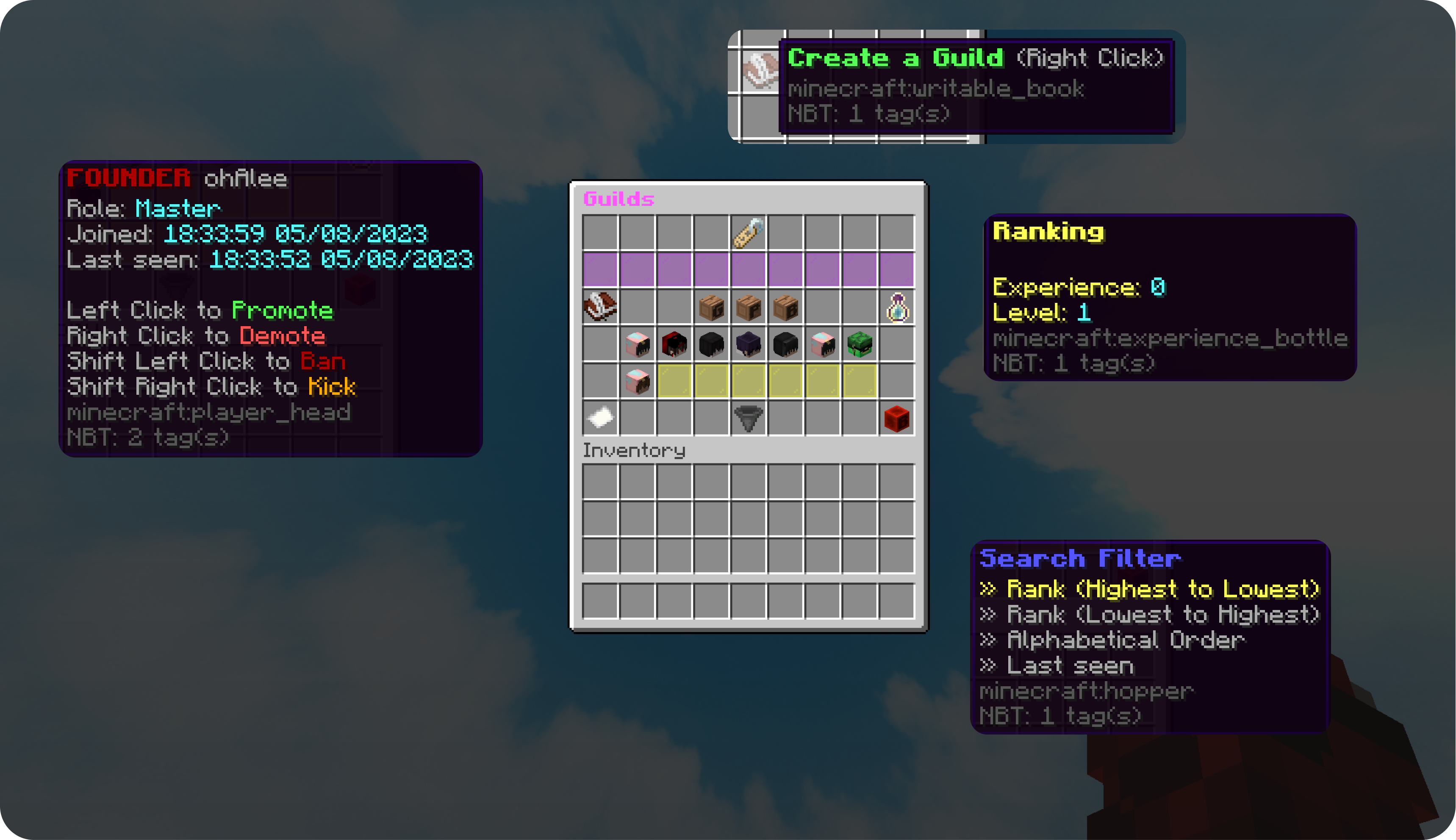
Everything is controllable via GUI for more pleasant management. From a single menu members can browse the roster, review pending invites and bans, read the guild log, and manage other players.
## Ranks & Permissions
Ranks are defined in `ranks.yml`: run three of them or eight, name them what you like, and decide for yourself whether moderators may ban. Each rank carries a weight, which is its authority, and a set of permissions. Ranks are changed with `/guild promote` and `/guild demote`, and ownership is handed over with `/guild admin`.
The file ships with the five ranks the plugin had before 3.0 — **Guild Master**, **Co-Leader**, **Moderator**, **Member** and **Recruit** — carrying exactly the permissions they had then. See [ranks.md](/products/ultimateguilds/ranks.md).
## Member Status
There are messages to indicate who joins or leaves the server and is part of the guild.
## Guild Chat
It is possible to write in the Guild chat. All members will see it, even if they have it turned off. Toggle it with `/guild chat`, or send a one-off message using the `gc`, `gchat` or `guildchat` aliases.
## Progression
Guilds level up on an experience curve you configure, and each level can be worth something: extra member slots, a higher experience multiplier, or console commands run once on arrival. A single grant of experience crosses as many thresholds as it reaches. Staff can still set the numbers directly with `/guild xp` and `/guild level`. See [progression.md](/products/ultimateguilds/progression.md).
## Relations & Rivalries
Guilds can ally with each other — which needs both sides to agree — or declare rivals, which does not. Optionally, allies cannot damage each other and kills between rivals are counted. See [relations.md](/products/ultimateguilds/relations.md).
## Leaderboards
Guilds are ranked by experience, level, members or rival kills, readable with `/guild top` and through `%guilds_top_*%` placeholders. Boards are rebuilt on a timer and read from memory, so a scoreboard asking every tick never reaches the database.
## Tag & Color
Guilds can set a short **tag** and pick a **hex color** for it via `/guild tag` and `/guild color`. When LuckPerms is installed the tag is applied to the player's chat/nametag suffix.
## Logs
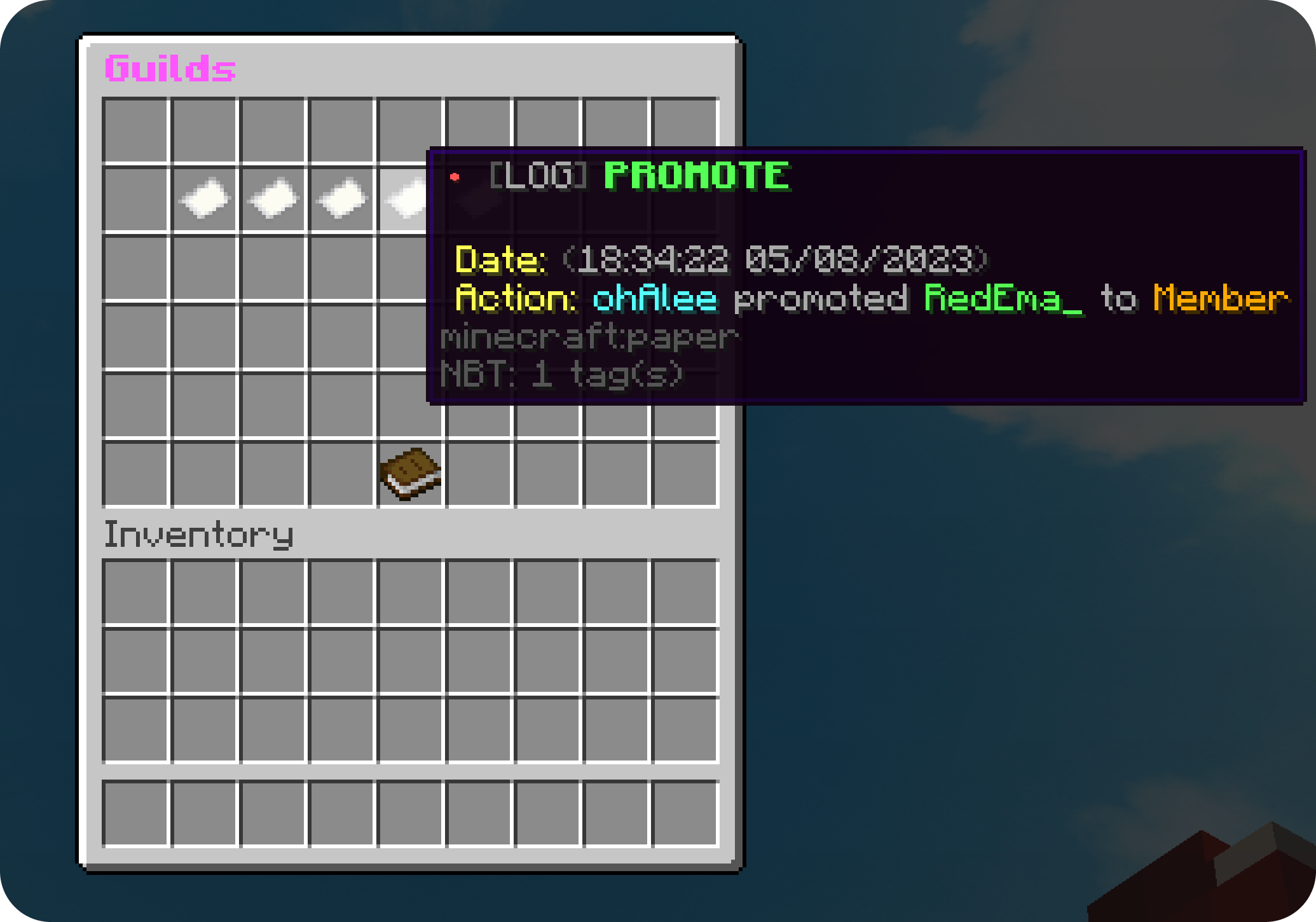
Every action within the guild (create, invite, accept, kick, ban, unban, promote, demote, rename, tag change, ownership transfer, leave) is saved and can be viewed via `/guild log` or the GUI.
## Guild Info
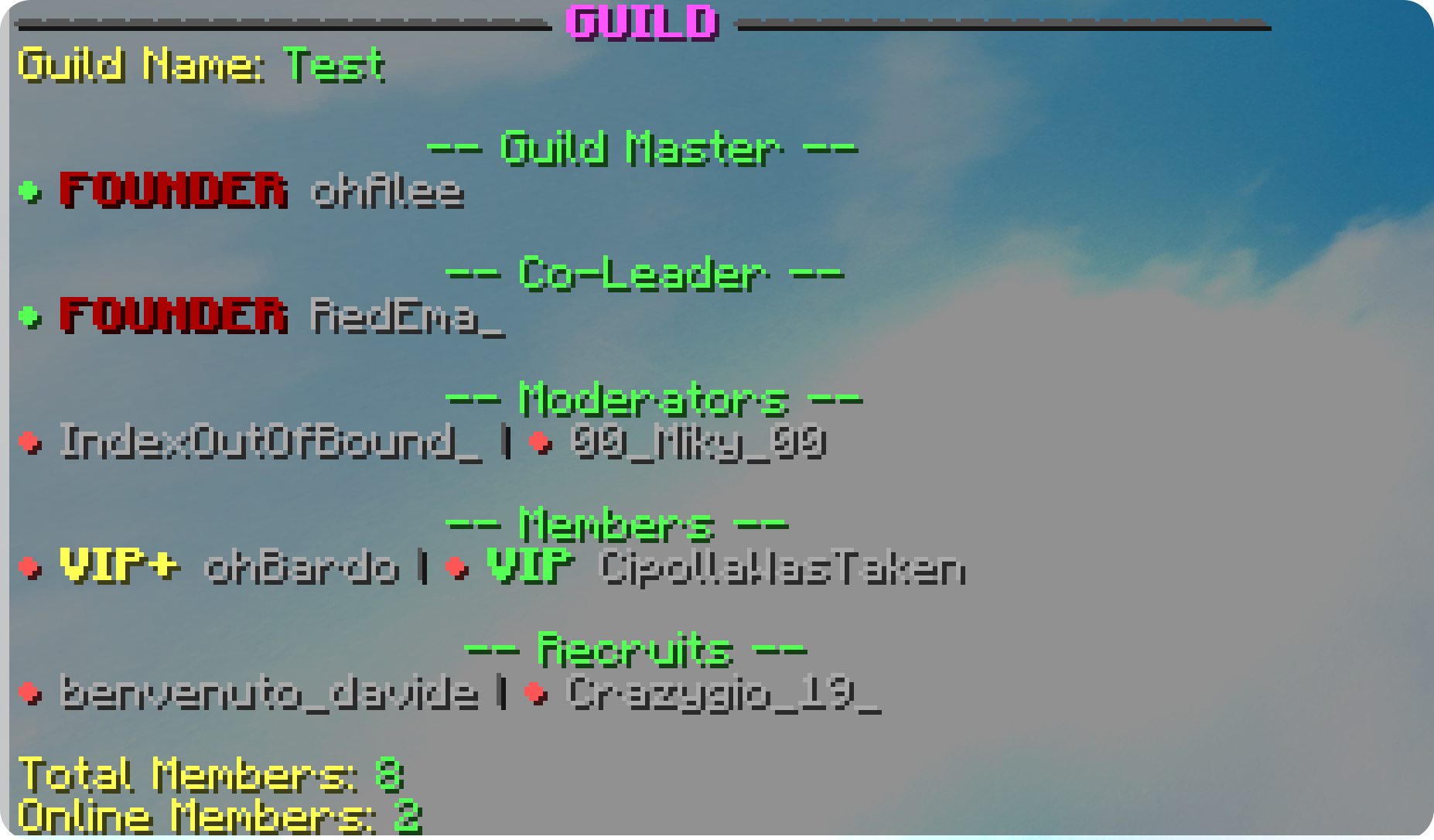
It is possible to see some guild info and the list of members based on rank via commands.
## Bans & Invites
Players can be invited to a guild, and troublesome players can be banned so they can no longer be invited or join. Both invites and bans are tracked and manageable from the GUI.
## Multi-Server Support
With `enable-proxy-support` and Redis enabled, guild data is shared across every server on the network, so members see the same guilds, chat and updates regardless of which server they are on.
## For Other Plugins
Ten events cover the guild lifecycle — creation, disbanding, joins, leaves, rank changes, renames, tag changes, chat, experience gains and level-ups — with the chat and experience events cancellable. See [for-developers.md](/products/ultimateguilds/for-developers.md).
## Integrations
* **PlaceholderAPI** — exposes `%guilds_*%` placeholders (see [placeholders.md](/products/ultimateguilds/placeholders.md)).
* **LuckPerms** — applies the guild tag as a player suffix and can gate the maximum member count per permission group.